Features · v1.0
What’s included
A 2D world studio, a runtime shell for Unity and Godot, and an algorithm you can read. Here's everything in the box.
From studio, to starter game, to shipped.
Four steps from blank canvas to a player rolling fresh worlds inside your finished game.
Generate
Pick a partition mode, drop in biomes and rivers, hit Generate. Tweak the seed, watch worlds regenerate live until the layout feels right.
Design
Hand-place hero locations on the manual layer: boss arenas, towns, story beats. Brush in scatter rules per biome. Authored details survive every reroll.
Open
One click → a complete Unity or Godot starter project. Player, chunk streaming, world map, minimap, zone flags, POI markers. All pre-wired. Press F5, walk around.
Ship
Drop in your art, gameplay, story. The live generator ships as readable .gd / .cs source inside your game. Players hit "new world": fresh seed, same recipe, every time.
One generator.
Every shape
No swappable engines, no plugin maze. One unified generator with knobs that cover the whole space. Fast, local, no AI, ships as readable source.
Spatial bias
Per-biome weight + direction (N/S/E/W/diagonals/Center/Edge). "Ice in the north" stays intact across every seed.
Rivers, lakes, moats
Boundary + free rivers, lakes with count/size/wobble, moat width, island radius. Water features layered freely.
Outer rings
Concentric biome layers around the main world: corruption belts, void rings, island halos. Stack as many as you want.
Wobble & amplitude
Every boundary can be deformed by noise. Organic edges, not algorithmic-looking ones.
Deterministic generation
Deterministic generation from a saved recipe and seed. Built for repeatable test runs and shareable recipes.
Live regeneration
Drag a slider, watch the world reform. No build, no recompile. The recipe IS the program.
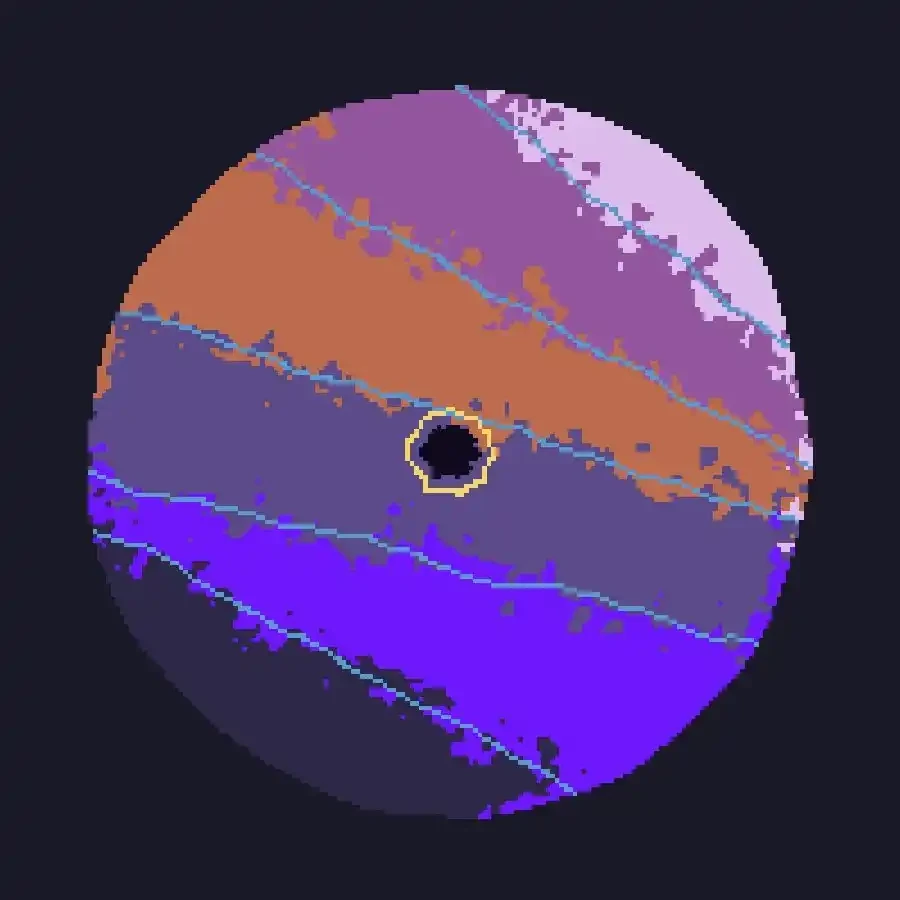
Five partition modes
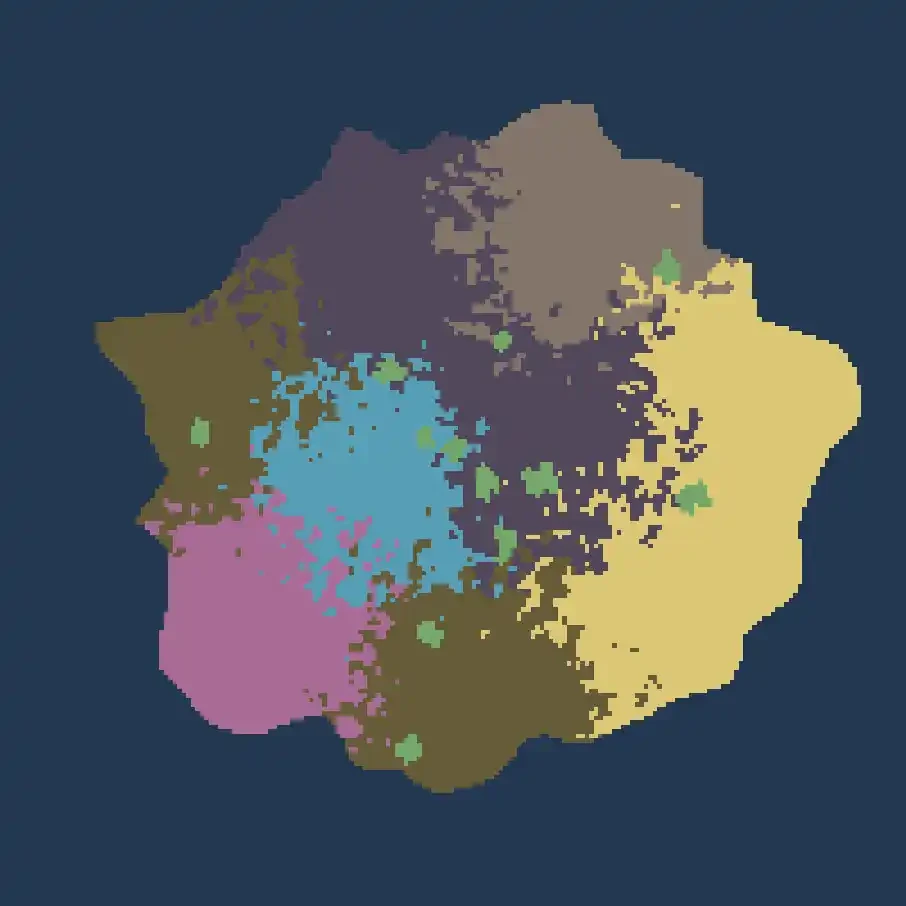
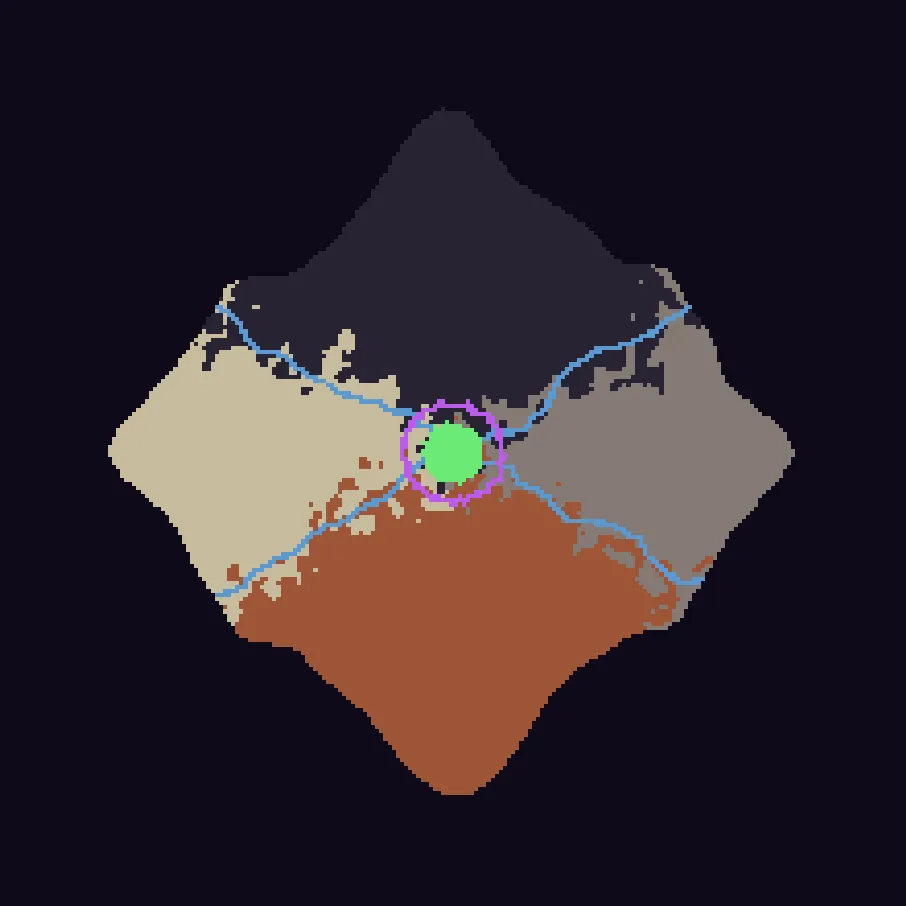
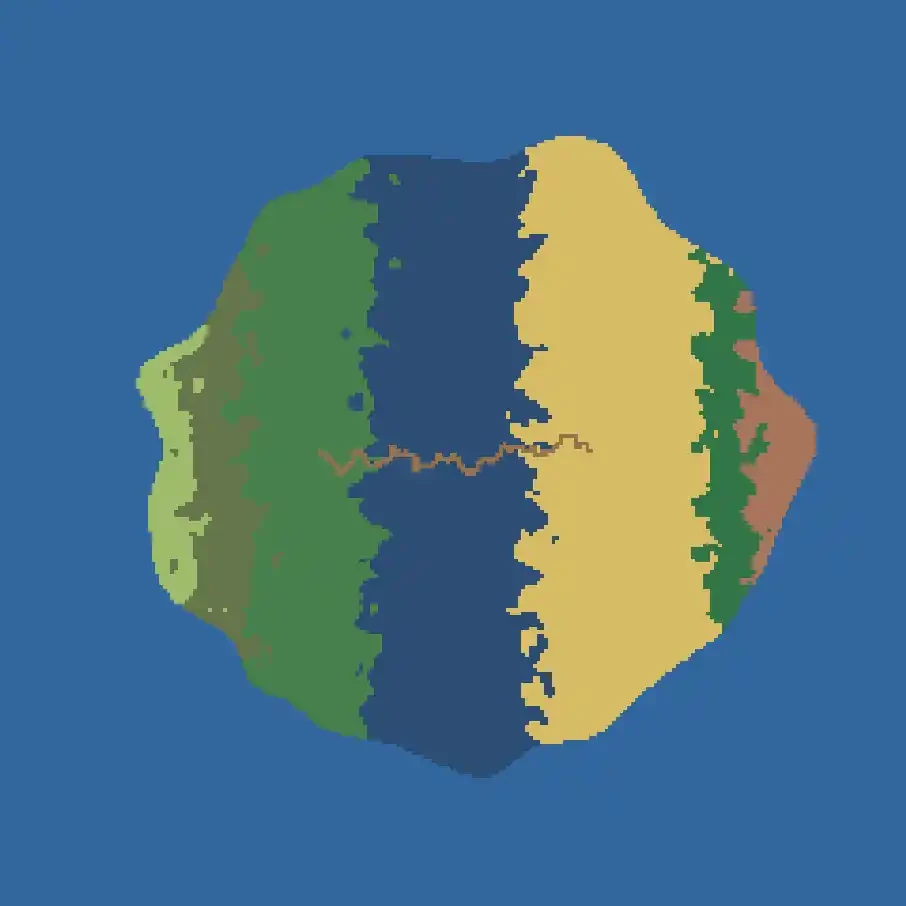
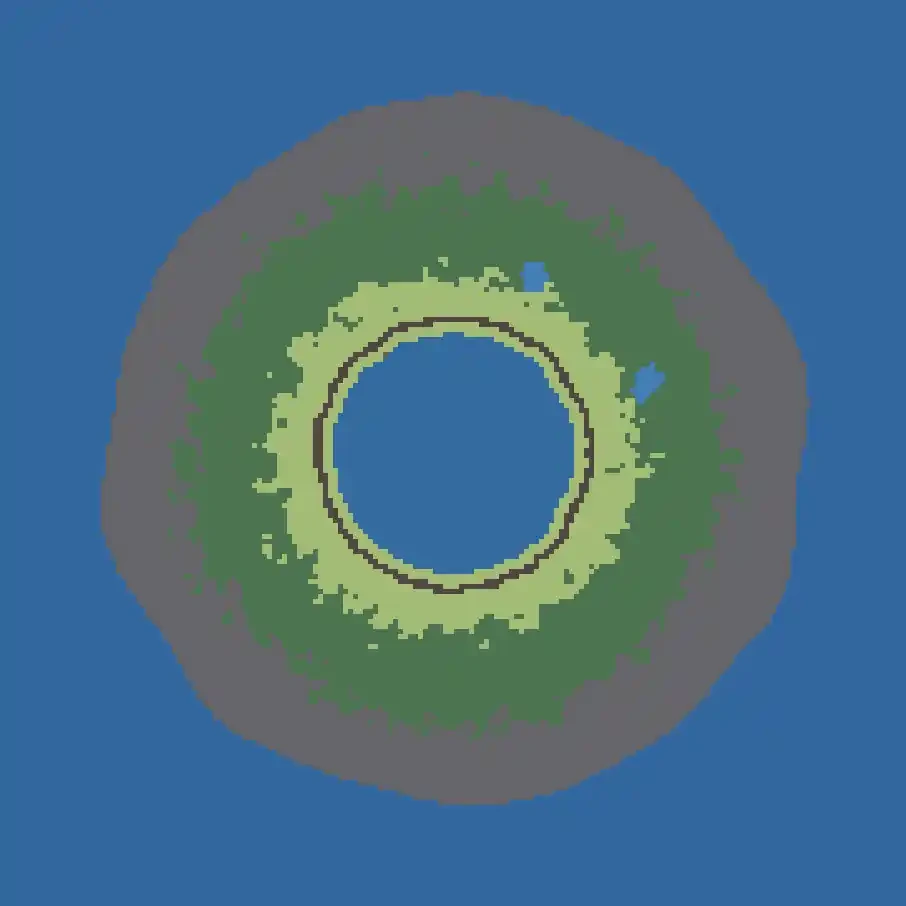
Familiar shortcuts,
real brushwork.
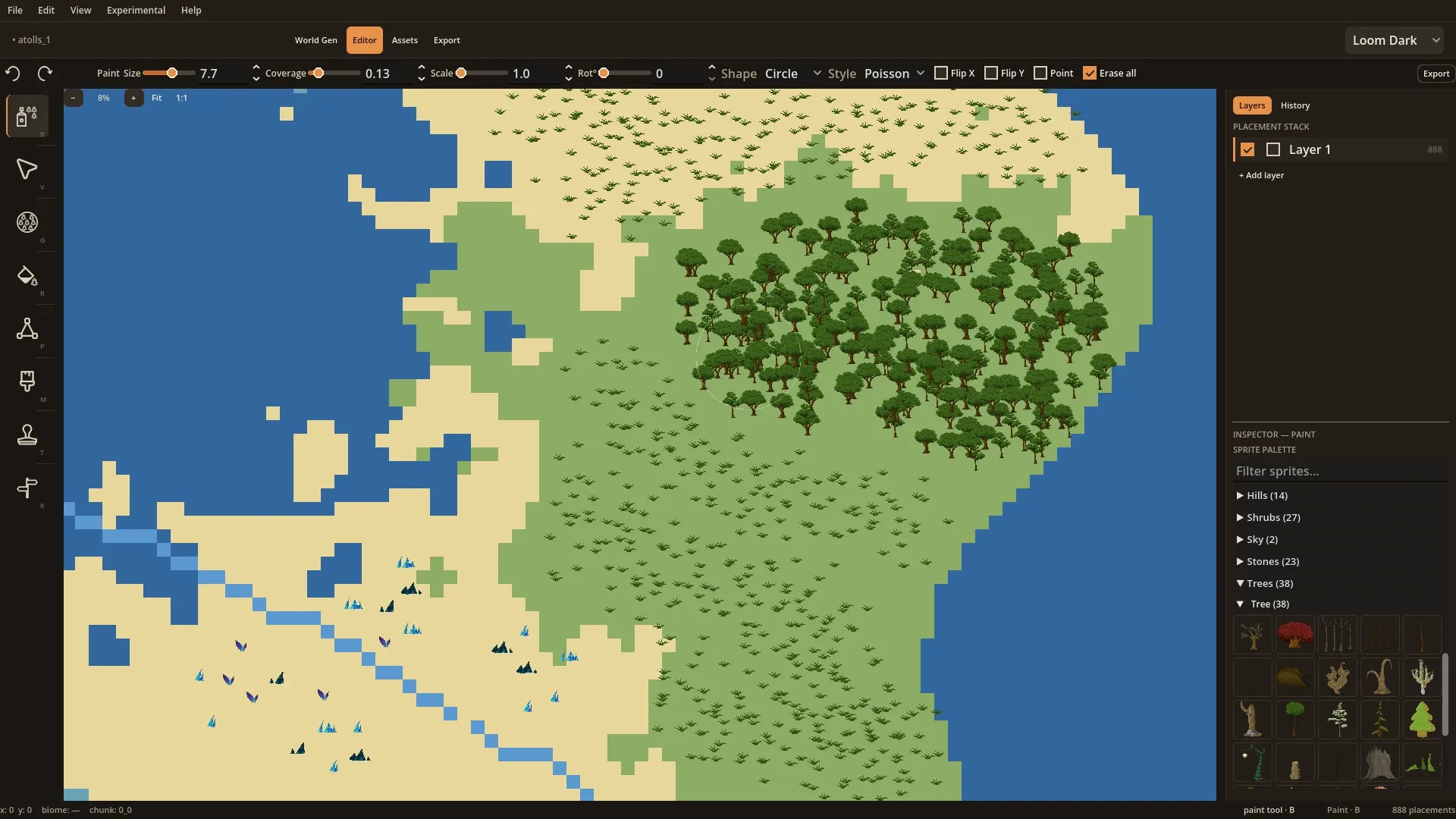
Single-key shortcuts that feel like any modern design tool. Tool options live above the canvas.
Paint
Scatter brush: circle/square/rect, Poisson or spray, density, flip. LMB paint, RMB erase.
Select
Click, drag, box-select. Move, scale, rotate, duplicate, delete. Ctrl+A select all.
Fill
Drag a circle, release for scattered fill with natural-looking distribution.
Path
Click to add waypoints with live preview. Configurable width and color. ↵ to commit.
Biome paint
Direct biome painting. Paint a new color anywhere with a brushstroke.
POI
Point markers with title and notes. Highlight when active.
Stamp
Circle, square, diamond, or ring. Scale and rotation included.
Region fill
Click a biome region. The whole shape fills with scattered obstacles. One click, one forest.
SVG sprite library
Includes 1200+ public domain sprites across many biome themes. Trees, rocks, mushrooms, ruins, buildings, props. Enough to paint a complete world that looks intentional. Royalty free, no attribution required.
Multiple palettes
Dark and light modes plus multiple palettes. Loom Dark default, several alternates.
Unlimited layers
Name, reorder, toggle each independently.
Visual undo timeline
Full undo/redo history with a clickable timeline. Jump to any past state instantly.
Ships in Unity and Godot.
One click → a running starter game in Unity or Godot.
The same recipe runs in both, and the generator ships as readable source. Plus five standard formats for any other pipeline.
Godot
One click → a running Godot project. Press F5, walk around. Generator ships as readable .gd source.
Unity
Same shell, native C#. Hit Play, walk around your world. Same zone-flag and POI query API. Generator ships as readable .cs source.
What ships in both engine shells
Walkable player
Player controller with placeholder sprite, ready to move. Drop in your own art whenever.
Chunk streaming
Regions load and unload around the player automatically. Large worlds stay smooth.
World map
Press Tab, see the whole world. Click to teleport in dev, or wire your own travel.
Minimap with fog-of-war
Corner minimap reveals as the player explores. Persists across sessions out of the box.
Zone flags
"No spawn." "Boss arena." "Safe zone." Queryable from code in two lines.
POI markers
Landmarks, quest hooks, story locations. Tagged at design time, queryable by name or kind at runtime.
Any engine, export formats
WorldSlate Project
World recipe plus every placement (POIs, paths, paint strokes, brush strokes) in one portable .worldslate file. Share with collaborators, re-open later, remix freely.
Biome PNG
Your world as a shareable picture. Drop it in a VTT, post it on Discord, print it for the table.
Placement CSV
Flat tables. Dead simple, parses in any language.
What you own
when you ship.
Use it in your game. Keep the source. The full plain-English EULA: six clauses, one page.
Real source in your project
.gd for Godot, .cs for Unity. The full world generator, the math, the shell. All readable. No sealed binaries, no opaque DLLs.
Modify freely
Read it, refactor it, extend it, replace pieces. It's your project the moment you export.
Ship anywhere
Perpetual royalty-free commercial license. Desktop, web, console, mobile. Any platform your engine targets.
No royalty
Sell your game with no revenue share, no per-player fees, no rev cut. Royalty-free perpetual license on the runtime.
No attribution required
Credit WorldSlate if you want to. You don't have to.
Public-domain sprites
The 1200+ included SVGs are public domain. No restrictions, no attribution, in any project.
Refund
14-day no-fault refund through itch.io. If the tool isn't for you, ask for your money back. No reason needed.
Want this in your game?
Drop your email for occasional WorldSlate news.